
DSLR Photo Booth Software for Canon Cameras
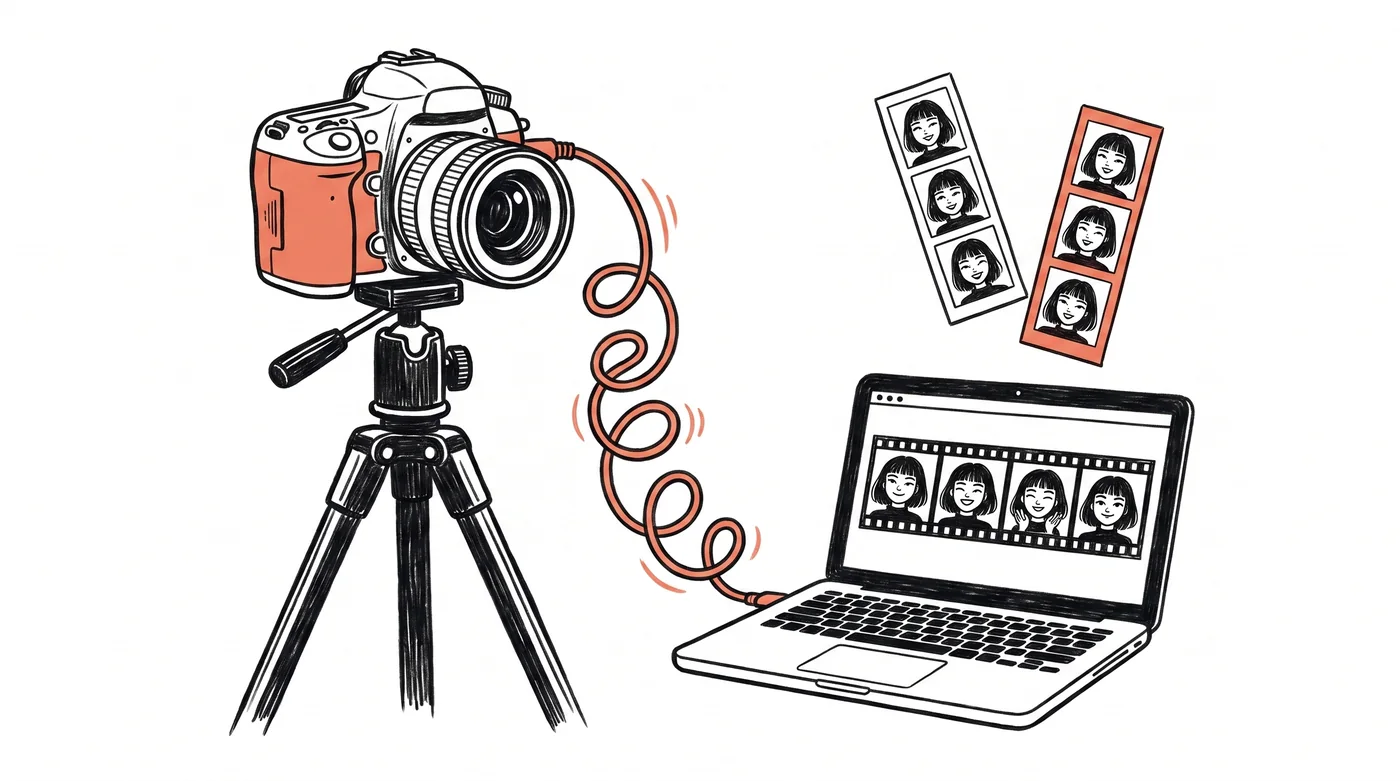
A DSLR is still the biggest quality jump you can make in a photo booth. Better low-light performance, real lenses, and prints that look professional instead of webcam-soft. Pixture is photo booth software with native Canon tethering built in, so your camera, templates, payments, and sharing all run from one app.
Why run your booth on a DSLR
Guests notice the difference. A DSLR or mirrorless camera gives you sharp, well-lit shots at real events, dim wedding receptions included. If you charge premium prices, print quality is what justifies them, and print quality starts at the sensor. Webcams are fine for casual setups, but operators who compete on quality run glass.
How Pixture works with Canon
Pixture talks to Canon EOS cameras directly through Canon's own SDK. That means live view on screen, instant capture, and no fragile third-party bridge apps. The camera connection runs in its own protected process, so if a cable hiccups mid-event the app recovers the camera without taking your session down.
- Canon EOS DSLR and mirrorless tethering with live view
- Crash-safe capture pipeline, sessions survive camera hiccups
- Works alongside webcams and virtual cameras (OBS and friends) if you mix setups
- Dye-sub printer support for instant prints
Honesty corner: today our native tethering is Canon only. If you shoot Nikon or Sony, you can still run Pixture with a webcam or virtual camera feed, but you won't get native tethering yet. We would rather tell you that here than after you download.
How much does DSLR photo booth software cost?
Pixture is free to download. Every photo and print carries the Pixture watermark until a pass or Pix Pro is active on that computer. Not for paid events. It is enough to test your whole setup, camera included, before you spend anything. When you're ready for clean prints, unlimited templates, and soft files, Pix Pro is $40/month per computer, or $300/year billed yearly (about $25 a month), and there's a $5 Day Pass, per computer per event day, if you only run occasional events. Pix Pro lives on the computer running the Pix Desktop App. Move it between computers from the Devices page.
What else you need
Beyond the camera: a Mac or Windows machine to run the booth, a dye-sub printer if you're printing on site, and decent lighting. Our guide to starting a photo booth business covers equipment choices and realistic budgets, and the download page lists exact system requirements.
Try it with your camera today
Create a free account, download the app for Mac or Windows, plug in your Canon, and you'll see live view in minutes. If something doesn't work with your model, tell us on WhatsApp and we'll figure it out together.
Comparing options first? See how Pixture stacks up against other photo booth software or read our honest dslrBooth comparison.