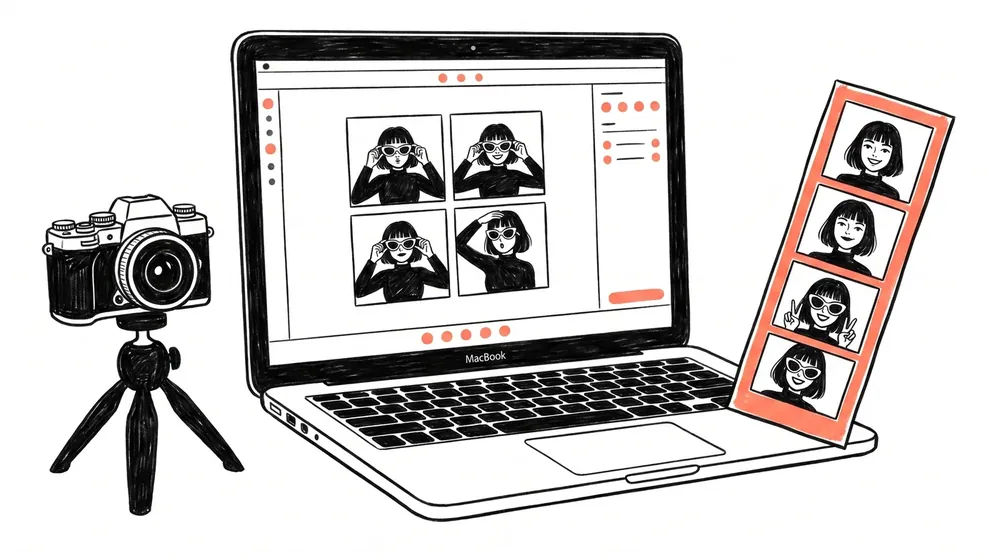
The best photo booth software for a Mac booth business in 2026 runs natively on Apple silicon, tethers your camera with live view, and handles printing and guest payments without a Windows machine anywhere in the setup. Pixture is built that way. It is our own product, and Pix Starter is free on one computer, so you can test it on your own Mac before paying. LumaBooth for Apple, Sparkbooth and Touchpix also run on a Mac. dslrBooth (now LumaBooth for Windows) and Darkroom Booth do not.
Running a photo booth on a Mac is a good call: quiet machines, reliable sleep and wake, and hardware that survives being hauled between events. The rest of this page covers which Mac you need, which cameras and printers work, and how Mac booth software compares.
Quick clarification, because half the internet mixes these up. Every Mac ships with a small built-in app called Photo Booth. It's for selfies and funny effects, and it's lovely for that. It cannot run a business: no print templates, no payment collection, no sharing microsites, no remote management. Pixture is professional photo booth software that happens to feel right at home on your Mac.
Prices are from each vendor's own pricing page, checked in October 2026. Check before you buy, because they change.
| Software | Runs on | Cameras | Guest payments | Price from (USD) |
|---|---|---|---|---|
| Pixture | Mac (Apple silicon), Windows | Canon EOS, Nikon Z, Sony Alpha, Fujifilm X/GFX, webcam | Stripe, card readers, coin and bill acceptors, QR payment | Free (watermarked), Event Pass $5 for 24 hours, Pix Pro $39.99/month |
| LumaBooth for Apple | iPad, iPhone, Mac | Built-in, Canon, Nikon, Sony, webcam | Basic | $18/month billed yearly, $19.99 monthly (2 devices) |
| Sparkbooth | Mac, Windows | Webcam; Canon, Nikon, Sony in the DSLR edition | Not listed | $159 once ($199 DSLR edition) |
| Touchpix | macOS, Windows, iOS, Android | Built-in, mobile 360 rigs | 5 to 7.5% transaction fee | $153.96/year (2 active events) |
| LumaBooth for Windows (dslrBooth) | Windows only | Canon, Nikon, Sony, GoPro, webcam | Basic | $17/month billed yearly, $49.99 monthly (2 devices) |
| Darkroom Booth | Windows 11 only | DSLR | Bill acceptors | $295 once |
"Basic" means the vendor lists cashless payments without documenting card readers or coin hardware. For the full field, including iPad-only apps, see our best photo booth software comparison. Switching from Windows? Our dslrBooth alternatives guide covers what carries over.
A base MacBook Air or Mac mini is plenty for a photo and print booth. On an M4 Mac, a live photo finishes in about 3 to 4 seconds from capture to ready.
Pixture tethers cameras natively with live view. The camera connection runs in its own protected process, so if a cable hiccups mid-event the app recovers the camera without taking the session down.
Nikon, Sony and Fujifilm support is newer than Canon, so test your exact body on the free plan before an event. More detail on camera choice is in our DSLR photo booth software guide.
Pixture prints through the printer's own macOS driver, the same way any Mac app prints. Install your dye-sub printer's Mac driver from the maker first, then pick the printer and paper size in Pixture. One honest gap: the detailed paper readout (sheets left on the roll) works on Windows only today. On a Mac you still get every print, just not the remaining-sheets count.
The booth runs on your Mac, the business runs in the cloud. Design print templates and the entire guest flow in your browser, push them to any booth remotely, watch sessions, revenue and booth health from your phone, and let guests pay at the booth and get their photos by QR code.
Many operators end up with both. Pixture is one app for both: one account, one dashboard, and the same templates and booth screens on every computer. A Mac at weddings and a Windows mini PC in a mall booth show up side by side with their own sales and health.
Pix Starter is free on one computer, watermarked and not meant for paid events. For paid work, an Event Pass at $5 gives you 24 hours of Pix Pro on one computer, and Pix Pro is $39.99 a month or $299.99 a year per computer. Full details are on the pricing page.
The public download is built for Apple silicon, so you need a Mac with an M1 chip or newer. Intel Macs are not supported by the current download.
macOS 13 Ventura or later. Older versions cannot install the current app.
Yes. The built-in camera works like any webcam, which is fine for testing and casual setups. For paid events, a Canon, Nikon Z, Sony Alpha or Fujifilm camera prints far sharper, especially in dim venues.
No. Apple's Photo Booth is a selfie app. It has no print templates, no guest payments, no QR downloads and no way to manage a booth remotely. Business photo booth software like Pixture adds all of those.
Pix Starter from Pixture is free on one computer with no time limit. Photos and prints carry a Pixture watermark and it is not meant for paid events, so it is a way to test your Mac, camera and printer before paying. Pixture is our own product.
Start free on one computer. Upgrade when the bookings come in.
No credit card required.