
A Photo Booth App Built to Make Money, Not Just Selfies
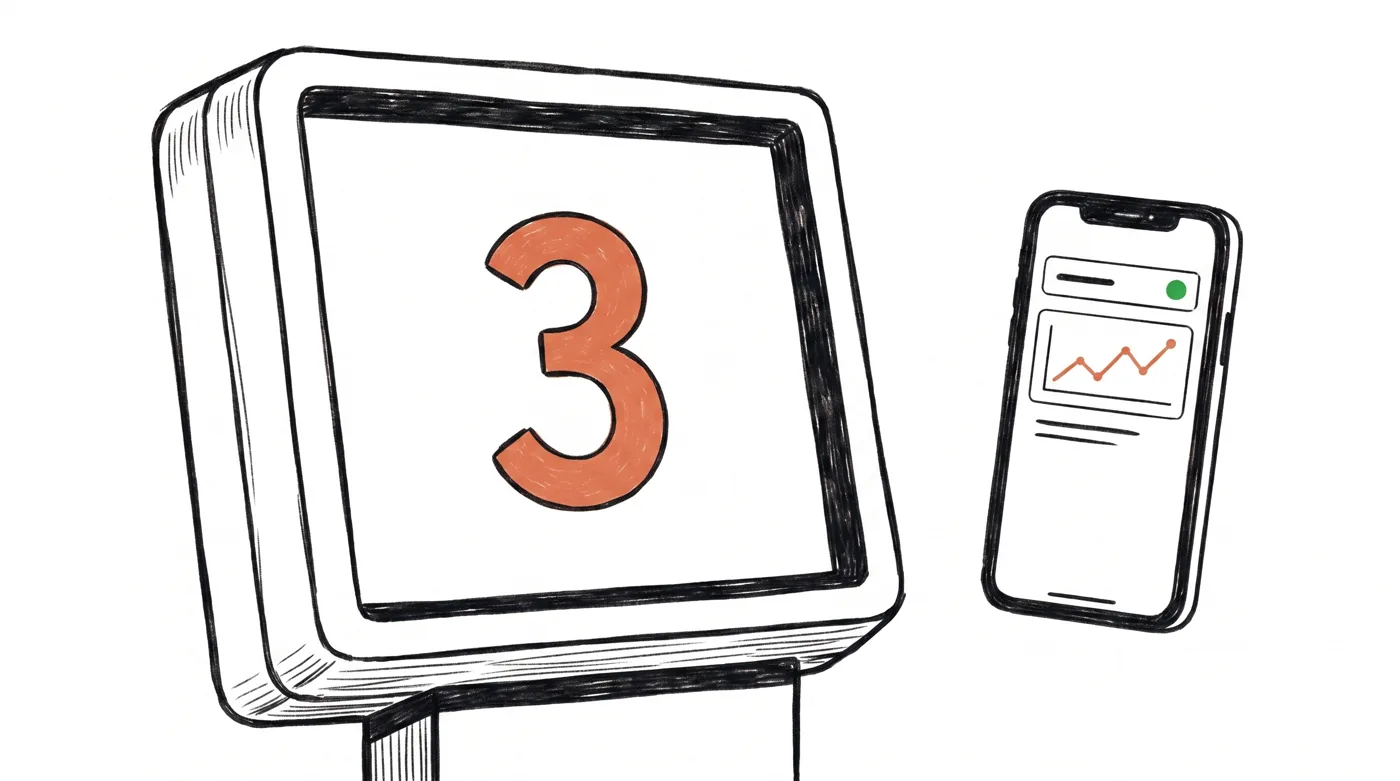
"Photo booth app" means two very different things. There are selfie apps for your phone, fun for five minutes, and there are apps that run an actual booth: countdown, templates, instant prints, payments, and a kiosk screen guests can't break out of. Pixture is the second kind. If you're setting up a booth for an event or building a booth business, you're in the right place.
What a real photo booth app has to do
The photo part is easy. The app part is everything around it, and it's where casual apps fall over at real events:
- Kiosk mode. Guests tap to start, pose, share, done. No exiting to the desktop, no YouTube detours.
- Templates. Layouts with the event name, date, and branding, designed in a drag-and-drop editor from any browser.
- Instant prints. Direct dye-sub printer support, classic 2x6 strips included.
- QR sharing. Guests scan and get their photos, GIFs, and live photos on the spot, no email forms.
- Payments. Guests can pay at the booth by QR code, which is what turns a booth into a vending machine that prints memories.
- Remote monitoring. Booth status, printer media levels, and revenue on your phone, because eventually you'll run a booth you're not standing next to.
Runs on the computers you already have
Pixture is a desktop app for Mac and Windows, from a MacBook or a mini PC to a full kiosk build. It works with webcams, virtual cameras, and Canon DSLRs with native tethering and live view. Everything is managed from a cloud dashboard, so templates, pricing, and layouts update on the booth without touching it. There's a dedicated page on running a photo booth on a Mac and on DSLR photo booth setups.
Honesty corner: there is no Pixture iPad app today. If your whole operation is built around an iPad in a sleek shell, an iPad-first tool will fit you better, and we compare them honestly in our software comparison. If your booth runs on a laptop, mini PC, or Mac, that's exactly what Pixture is built for.
Is there a free photo booth app?
Yes, and it's not a time-limited trial. Free to download. Every photo and print carries the Pixture watermark until a pass or Pix Pro is active on that computer. Not for paid events. You get the full kiosk flow, prints, and QR sharing, so you can test your real setup, camera, printer, lighting, before an event or before spending anything. When you outgrow it, Pix Pro is $40/month per computer, or $300/year billed yearly (about $25 a month), with unlimited templates and the full editor, and a $5 Day Pass, per computer per event day, covers one-off events.
From party app to booth business
Most operators start with one event. The app is the same at every stage: the free plan for your first party, payments and monitoring when the booth starts earning, and multi-booth cloud management when there's a second location. If that path sounds interesting, our guide to starting a photo booth business and the real profitability numbers show what the business side actually looks like.
Get the app
Create a free account, then download Pixture for Mac or Windows. You'll have a working booth screen in minutes, and if anything fights you, tell us on WhatsApp and a human answers.
Still comparing? Read our honest roundup of the best photo booth software in 2026, including where competitors beat us.