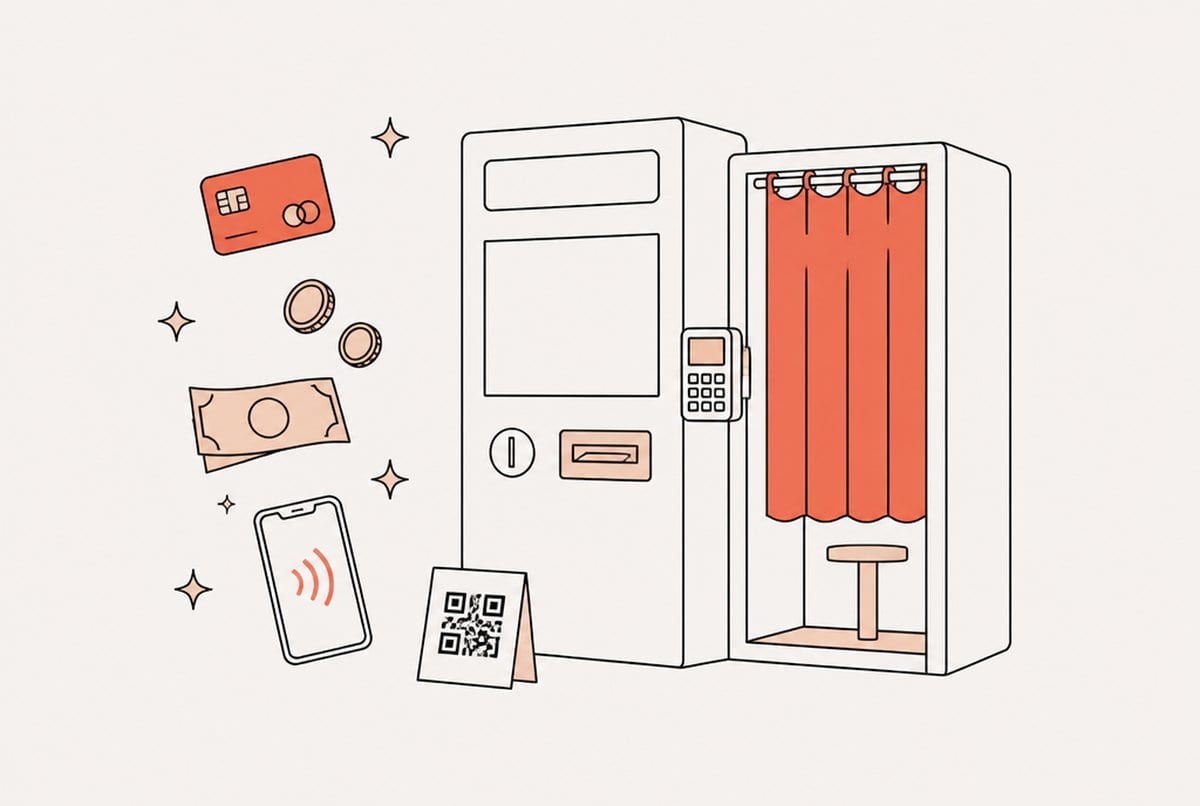
A self-service photo booth takes payment in one of five ways: a card reader (Nayax or a Stripe Terminal smart reader), a coin acceptor, a bill acceptor, a QR code the guest scans to pay on their own phone, or no payment at all because a client already paid for the night. For an unattended booth in a mall, bar or arcade, a card reader that takes tap-to-pay is the safest default in 2026: guests rarely carry cash, and contactless is the fastest checkout there is. We build photo booth software and run our own booths, and every price below was checked on vendor price lists in October 2026.
The short version
| Option | Upfront hardware (USD, Oct 2026) | Fee per sale | Setup effort | Watch out for | Best for |
|---|---|---|---|---|---|
| Nayax card reader (VPOS Touch) | ~$350 to $400, plus an activation fee | 2.5% + $0.10, or 5.95% flat, plus $7.95 to $14.95 a month | Medium: reader, interface board, data plan | Monthly fee per device; most pulse setups charge one fixed price | Unattended booths that already live in a vending or arcade world |
| Stripe Terminal smart reader | ~$250 to $350 (WisePOS E, Reader S700/S710) | 2.7% + $0.05 | Low to medium: reader on Wi-Fi, linked to the booth | Needs a steady internet connection | Self-service booths that want card payments without a monthly hardware fee |
| QR code, guest pays on their phone | $0 | 2.9% + $0.30 (Stripe online cards) | Low | Slower at a busy booth; the fixed fee hurts small prices | Low-volume booths, events, testing demand |
| Coin acceptor | ~$20 to $35 for a multi-coin unit | None | Medium to high: wiring, interface board, coin box | Coins add up fast for a $10 session; jams; emptying | Arcades and places where tokens or coins are normal |
| Bill acceptor | ~$290 to $370 (Pyramid Apex series) | None | High: power, wiring, interface board, cash box | Jams, fake bills, cash collection and theft risk | Cash-heavy venues and guests without cards |
| Free play, client pays | $0 | None | None | Make sure the booth really is set to free | Weddings, corporate events, brand activations |
Prices were checked on Stripe's and Nayax's published pricing and on US vendor listings (Kleen-Rite, Suzo-Happ, Marco Specialties, Amazon, ArcadeXpress) in October 2026. They change, so confirm before you order.
Card readers: Nayax
Nayax is the card reader you see on vending machines, car washes and arcade games. The VPOS Touch reads chip, tap and phone wallets, and the "pulse" version sends the booth a signal when a guest pays. Vendor listings put it at about $350 to $400, plus a one-time activation fee per device.
The running cost is what operators underestimate. Nayax charges a monthly service fee of $7.95 to $14.95 per device, plus a processing fee on every sale: either 5.95% flat or 2.5% + $0.10. Vendors often recommend the flat 5.95% for sales of $5 and under, but do the math for your own price. The two plans cost the same at about $2.86 a sale, and above that the 2.5% + $0.10 plan is cheaper. At a $10 session, that is $0.35 versus $0.60.
How it connects: a pulse reader does not talk to booth software directly. It goes through a small USB interface board (CASH-Interface2 from casino-software.de is the common one in photo booths), which tells the software the guest has paid. That also means most setups charge one fixed price per session. If you sell packages (one strip or two), check that your reader and board can charge different amounts before you promise it to guests.
Card readers: Stripe Terminal
Stripe Terminal smart readers sit next to the booth on Wi-Fi and show the amount on their own screen. The guest taps a card or phone and the session starts. The BBPOS WisePOS E and the Stripe Reader S700/S710 cost about $250 to $350 in the US depending on model, and in-person payments cost 2.7% + $0.05 each, with no monthly device fee. A $10 session costs you $0.32.
Two things to know. Only the internet-connected smart readers work for a booth like this (WisePOS E, Reader S700/S710, T600 and Stripe's Verifone readers); the small Bluetooth M2 reader is built to pair with a phone app instead. And the reader needs a steady connection: a venue with weak Wi-Fi is a reason to choose the cellular S710 or to put the booth on its own hotspot. Money lands in your own Stripe account.
QR code payments on the guest's phone
The cheapest way to start: the booth shows a QR code, the guest scans it, pays on a checkout page on their own phone, and the session starts. No hardware at all. With Stripe, online card payments cost 2.9% + $0.30 each, so a $10 session costs you $0.59. In Indonesia the same idea runs on QRIS, which we cover in our Indonesian guide to photobox payments.
The trade-off is speed. Opening a camera app, scanning and paying takes longer than a tap, which matters when there is a queue on a Saturday night. The $0.30 fixed fee also eats a bigger share of small prices. QR is a great way to test whether a location will pay at all before you spend $250 to $400 on a reader.
Coin acceptors
A programmable multi-coin acceptor such as the CH-926 costs about $20 to $35, the cheapest hardware here. It counts coins and sends pulses to an interface board, which tells the booth when enough money is in.
The catch is the price of a photo booth session. At $5 or $10, coins are a lot of metal to feed into a slot, and every extra coin is another chance of a jam. Coins work best where they are already the norm: arcades, family entertainment centers, or venues that sell tokens. Plan for a lockable coin box and a regular emptying routine.
Bill acceptors
A bill validator like the Pyramid Apex series costs about $290 to $370 depending on model and stacker size, and it accepts $1 to $20 bills. Like coin acceptors, it connects through an interface board.
Cash has no processing fee, which is why some operators love it. You pay in other ways: someone has to collect and count the cash, bills jam, a fake note now and then gets through, and a box full of cash is a reason to break into a booth. Bill acceptors also usually give no change, so price the session in round numbers ($5, $10, $20) or guests will feel short-changed.
Free play: when the client pays
At weddings, corporate events and brand activations the client has usually paid for the whole night, so guests should not see a payment screen at all. Make sure the booth is really set to free rather than "a price of zero", which some software handles badly. It is a small detail that saves an awkward moment at the start of the night.
Which payment option fits which booth
- Mall, arcade or retail, unattended: a card reader. Nayax if you already run vending or arcade machines and like one portal for everything; Stripe Terminal if you want lower per-sale fees and no monthly device fee. Add a bill acceptor only if your location has many guests without cards.
- Bar or club: contactless card. People pay for drinks by tapping their phone, and they expect the same at the booth. Cash adds collection risk late at night.
- Pop-ups, markets and testing a new spot: QR code on the guest's phone. No hardware cost, and you learn whether the location pays before you invest.
- Weddings and corporate events: free play. The client pays you, not the guests.
How to price a self-service session
Set one clear price per session, matched to the hardware. Pulse readers and cash acceptors are happiest with a single fixed price, so keep extras (a second print, a digital copy) for setups that can charge different amounts, like a Stripe reader or a QR payment. Round numbers suit cash; any number works for cards. And check the fee at your actual price: at $10 a sale, Stripe Terminal keeps $9.68 for you, Nayax about $9.65 before its monthly fee, QR about $9.41, and cash all $10 minus the time it takes to collect it.
How Pixture handles booth payments
Pixture is our own booth software, so read this section with that in mind. Booth payments run on your own payment account, not ours, so money from guests goes straight to you: Stripe outside Indonesia (a QR code on screen, or a Stripe Terminal reader assigned to the booth that tells guests to tap their card), and QRIS through DOKU, Midtrans or Xendit in Indonesia. Coin and bill acceptors and pulse card readers like Nayax connect through a USB interface board, and those sales are recorded as revenue in your dashboard, not as free sessions. Free play is one switch per booth, and each booth can run in its own currency. You can see the plans on our pricing page, and if you run several booths, Booth Health tells you when a reader or printer has a problem before guests notice.
Choosing the rest of your setup? Start with our comparison of photo booth software or the complete guide to starting a photo booth business.